
Let’s be honest: most of us don’t really know what to do with our brand photos once the session is done.
You’ve invested in a personal branding shoot. You feel great about the photos (hopefully buzzing!), you get your gallery… and then what? Do you change your LinkedIn profile pic and let the rest sit in a folder? Maybe post one or two on Instagram and promise yourself you’ll update your website… sometime?
If that sounds familiar, you’re definitely not alone. I’ve worked with so many entrepreneurs and small businesses across London who are passionate about what they do but unsure how to actually use their images in a consistent, strategic way. And I get it. As a photographer, I’ve seen firsthand how thoughtful image use can build real visibility and connection, not just on social platforms, but across your entire business ecosystem.
Let’s dive into how you can use your brand photos with purpose, not overwhelm, and create a sense of clarity and confidence across every platform you show up on.

Why Brand Photos Lose Impact (and How to Get It Back)
When you’ve got too many platforms to manage — your website, LinkedIn, Instagram, booking systems, client guides, and so much more — it’s easy to either overuse the same two photos or paste things together in ways that don’t feel consistent or aligned.
One common mistake I see? Using random photos without a clear plan. It’s often a quick fix: slapping a profile picture here, a cropped brand photo there, and filling in the rest with stock or old content.
But brand imagery is about trust. It’s about creating a visual rhythm that supports your story and signals to your audience, “this is me, and here’s what I care about.”
So how do you apply your brand images in ways that feel authentic, intentional, and not thrown together? Let’s look at a few ideas I always encourage clients to try.

Where to Use Your Brand Photos (and How to Make Them Work Harder for You)
When I work with branding clients, I’m always thinking about the full picture. You need headshots and strong portraits, but you also need images that show who you are, what you love, and what goes on behind the scenes of your business. Images where you’re actually doing something and showing your personality. That mix is what gives you a real bank of visuals to draw from, whatever the platform or purpose. And because sessions are collaborative, we chat, experiment, and play, the images that come out of that feel alive rather than staged.
One moment that stays with me: a client who came back to me for another branding session and ended up printing some of her images to hang in her home. We’d woven her old family photos into the shoot, and the result was something that felt bigger than branding. It was about identity. About being seen. That’s what brand photography can do when it’s done with intention.
Ready to show up with authenticity and confidence?

1. Use Profile Photos That Create Connection
That tiny circle image on LinkedIn or Zoom? It matters more than you think. And here’s a simple tip that makes a real difference: use the same headshot across all your social media channels. That way, whether someone spots you on Instagram or LinkedIn, they recognise you instantly. Consistency in that little circle builds familiarity, and familiarity builds trust.
Choose a headshot in which you’re looking into the camera, with a clear view of your face. The gaze helps people connect with you instantly, the same way eye contact builds trust during a conversation.
Avoid sunglasses, lots of cropping, or artistic blurs for these kinds of profile photos. Save those creative shots for storytelling moments elsewhere (we’ll get to that!).
Key places for trust-building headshots:
- LinkedIn, Instagram and Facebook (both profile picture and banner)
- Email signature
- Client booking software
- Zoom or video chat platforms
Consistency here helps people remember you and makes digital spaces feel more personal.
2. Make Your Website Feel Truly “You”
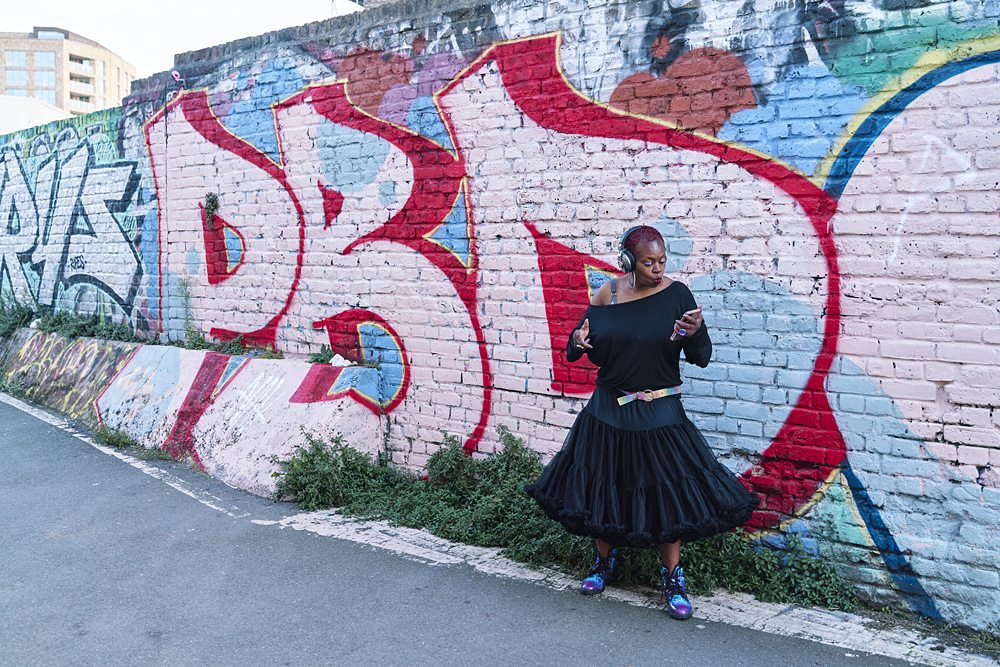
Your website is your digital home. And it should reflect you, not just your services or products, but your presence.
Use a mix of images that show personality and purpose:
- A hero banner that shows you doing what you love
- Warm, conversational photos for your “About” page
- Lifestyle or behind-the-scenes shots to break up text or create visual flow
- Clear brand-focused headshots for contact pages, coaching offers, or bios
- Your blog posts
Pro tip: Update your pages over time with batches of fresh brand images. It helps your site evolve along with your business instead of staying frozen. And it’s worth saying: having professional images isn’t just about looking good, it signals the value of what you offer. If you want to attract the right clients and charge premium prices, your visuals need to match that.

3. Think Beyond Social Media
Instagram and Facebook are important, of course, but your brand deserves more real estate.
Less obvious ways to use your photos:
- Marketing Emails
- Press packs and media kits
- Webinar slides and talk presentations
- Welcome packs or client guides
- Print materials: Posters, brochures, business cards, thank-you cards and printed gift vouchers
- Speaking events or webinars: Use lifestyle shots for slides
- Podcast graphics or guest bios
- Lead magnets or downloadable PDF resources
- Digital course platforms or membership areas
- Instagram Highlight covers using cropped on-brand images
- Custom Zoom backgrounds
The goal is consistent, intentional presence. Every time your audience sees you in a professional yet approachable way, your brand strengthens. You strengthen the know-like-trust factor behind your brand.

Organising and Storing Your Brand Photos
One key step many people overlook is simply knowing where their photos are and how to find them. A little organisation goes a long way. I recommend three approaches:
Cloud storage – Keep your full gallery in a secure, cloud-based platform (Google Drive, Dropbox, iCloud, etc.) so you can access them anywhere.
Folder by theme or use – Create folders for “Website,” “Social Media,” “Press Features,” or “Client Work.” This helps you quickly find the right image for each purpose.
Favourites or highlights folder – Pick your top 10–20 images that you love the most for quick access when you need something fast.
When you have your images organised this way, it’s easier to use them strategically rather than digging through a messy gallery each time.

Can You Mix Professional Photos with Phone Images?
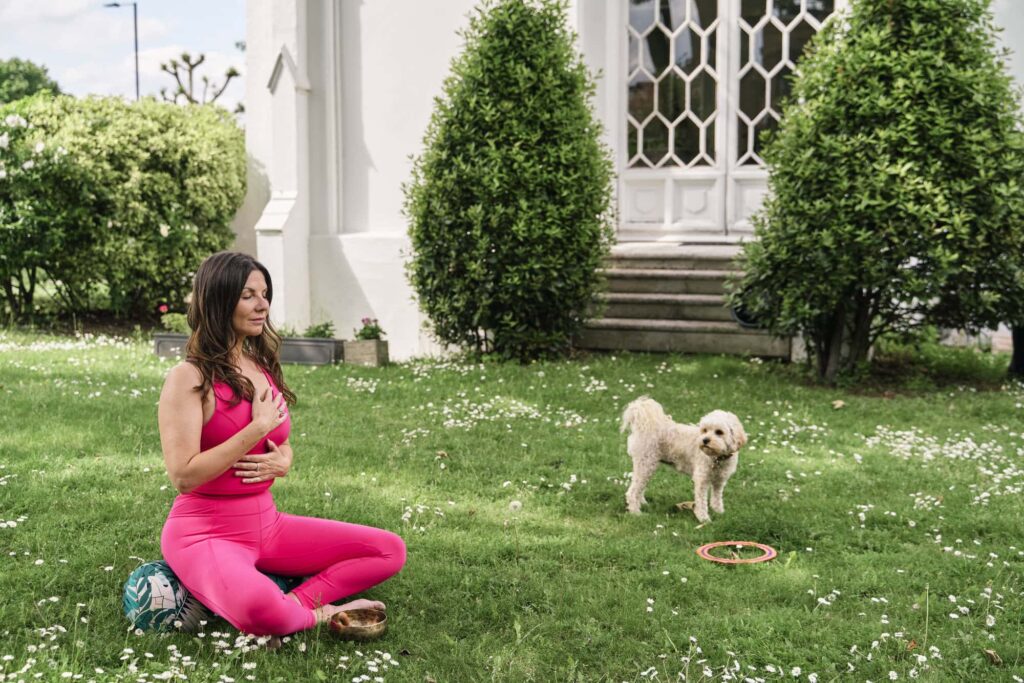
Absolutely! Especially for social media, mixing professional brand photos with phone images, selfies, or even memes is totally okay — and can feel more human and approachable.
- Sprinkle in casual shots to show personality and authenticity
- Don’t stress about a perfectly curated grid, showing up regularly is more important than perfection
- Stick to a consistent colour palette and fonts across posts to tie everything together visually
Pro tip: For your website or official marketing materials, stick to your professional brand photos for a polished and consistent look. Save the casual images for social feeds, stories, and newsletters.
Why This Matters (More Than You Think)
Your brand photos are more than pretty pictures. They’re tools for communication. They reflect your values, personality, and purpose. When you use them intentionally, consistently, and confidently, people notice.
Clients have told me how empowering it feels to see themselves looking confident in a photo they used for a professional talk or media interview. Others have spotted increased engagement or even client referrals simply because their brand visuals finally matched the message they were trying to send.
This is about showing up as yourself with clarity across every touchpoint.